I found the perfect yearly calendar (for me)
As it turns out, I do have a hostname.
I found the perfect yearly calendar (for me)
Published on Jan 21, 2026
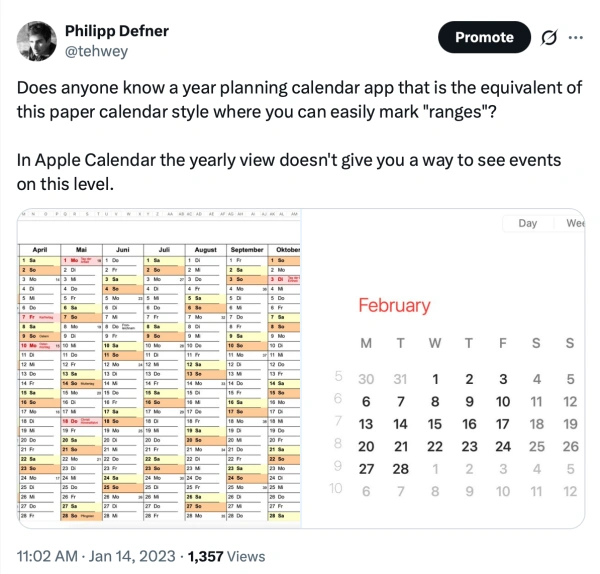
The new year has started and I was once again looking for a simple calendar to do some yearly planning. I've tried to find something for this use case for a while now and all the apps or templates I've tried didn't have all the features I wanted:
A digital solution mostly compromised on visibility. In Apple Calendar it's not possible to see the full year, and still have some visibility into which events are happening on the individual days. You'd only see that there's something happening.
Analog, paper based calendars or dedicated yearly planners didn't have my personal calendar events, unless I'd manually transcribe all birthdays or other important events every year.
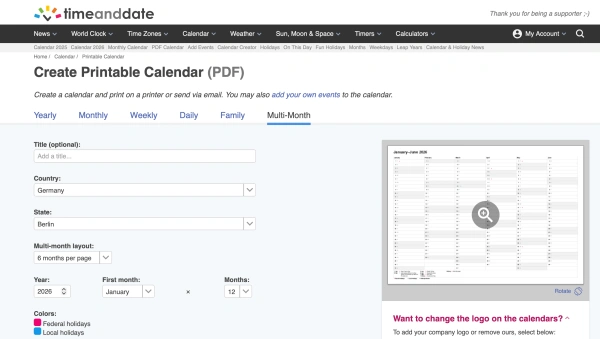
A few days ago I finally found a way to do that through a small company from Norway called Time and Date. They check all the boxes. The "Multi Month" calendar without their logo requires a small fee of 15$ / year for their Supporter plan.
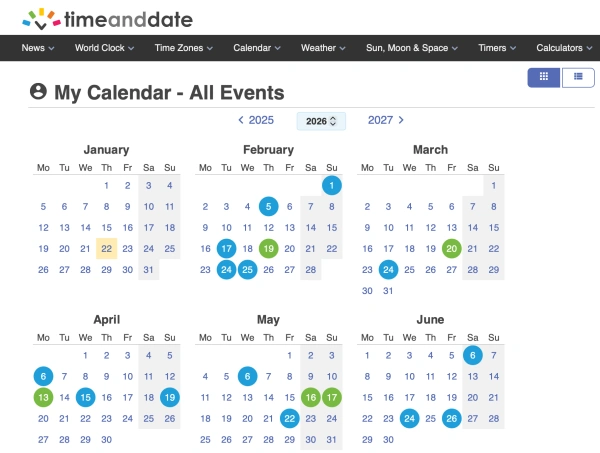
After I configured everything I noticed one small but important missing feature. While they offer a way to add multiple lists of events (For example for yourself, and another one for a partner), they don't offer an ics (Calendar files, like you can export from Calendar.app) import. Without that you'd need to enter all events one by one through their web interface.
After observing some requests on their website on doing some digging into their internal API I gave that task to Claude and within 15 minutes I had a working userscript that I could use with Tampermonkey in Safari to quickly import all birthdays I've exported from Calendar.app on my Mac with one click.
If you are interested in the script, it's all here and should work out of the box: https://github.com/dewey/userscript-timeanddate-ics-importer
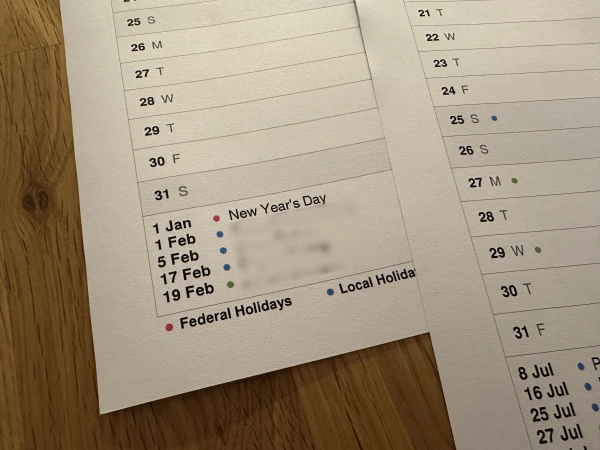
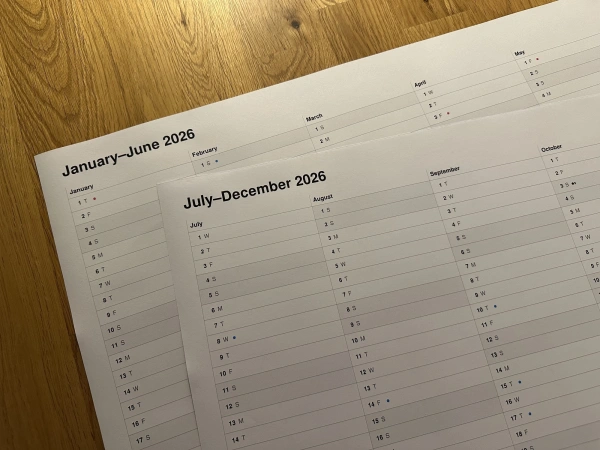
I then generated the calendar with the settings I wanted and downloaded the PDF. A quick stop at my local copy shop where I printed it in A2 and I had a nice calendar to tape to my door.
During the year I'll add additional birthdays and events I forgot, and transcribe them into my digital calendar at the end of the year, to be imported again on the 2027 version.
2026
About /
RSS /
Github /
Twitter /
Mastodon /
Bluesky /
notmyhostna.me